Best Live Webcams for Working From Home — Backgrounds That Don't Distract
Live webcams that work as ambient backgrounds while you work from home. Tested for distraction level, audio quality, and stability over an 8-hour workday.
Most “best webcam” lists optimize for action — exotic wildlife, dramatic landscapes, sunset color. Those are great for evening watching but terrible for working from home. The right WFH cam is the opposite: ambient enough to fade into the periphery, slow enough not to grab attention, and stable enough to run all day without re-buffering.
After running cams as second-monitor wallpaper for two years, here are the ones that actually work.
What makes a “WFH cam” actually work
Three criteria, and most popular cams fail at least one:
- Slow motion. Cars zooming through frame, frequent wildlife crossings, time-lapse-y rapid sky movement — all distracting. You want gentle motion: water, slow clouds, snow falling, leaves swaying.
- Stable framing. No PTZ. No camera shifts. Once your eye adjusts, you don’t want to be jolted by a re-aim.
- Audio that works at low volume or off. If audio adds spikes (bird calls, motor noise, ad interstitials), turn it off. The good cams make sense with audio off.
The top picks (tested with WFH workdays)
1. Sea otters at Monterey Bay Aquarium
Slow, charming, occasionally sleepy. The otters spend significant time floating motionless. Glass tank means consistent lighting. Audio is filtered aquarium hum — fine to leave on at low volume. Available 6 AM-7 PM PT (the aquarium’s open hours).
2. Pacific Northwest creek cams
Several PNW cams (Issaquah Creek, Olympic-area streams) show flowing water with no other action. The water motion is constant but slow. Audio is the actual stream sound. Best WFH ambient for code-focused workdays.
3. Smokies / Kuwohi 4K mountain view
Layered blue ridges. Fog rolls through periodically (gentle event). No wildlife, no people, no machines. The 4K resolution scales gracefully even on a 27” monitor at 30% screen real estate.
4. Yellowstone Old Faithful (during quiet periods)
Old Faithful itself is too eventful — every 90 minutes you get a full eruption that demands attention. But the surrounding upper geyser basin cams show steam constantly without spectacle.
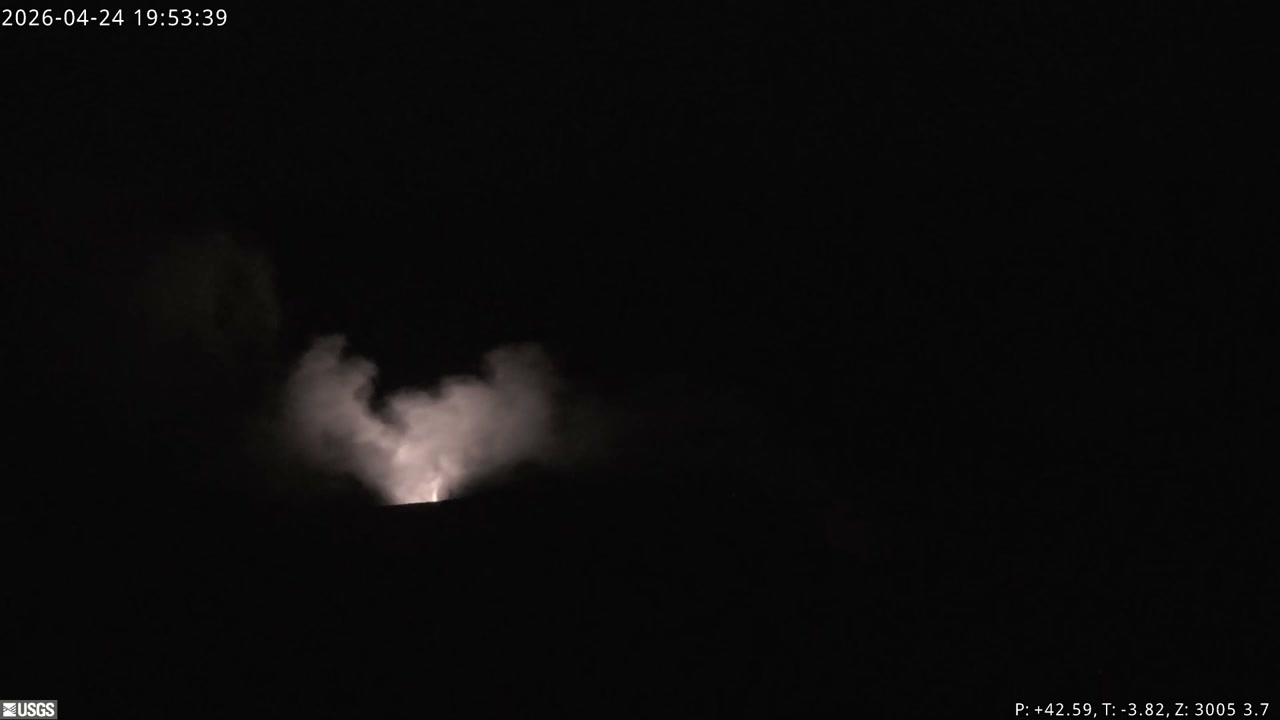
5. Mauna Loa from Mauna Kea
Above-the-clouds view from 13,000+ feet. Sky is constantly cycling. No people, no cars. Audio not provided (which is correct).
6. Crater Lake Sinnott
Glacial lake with rim views. Almost no activity for hours at a time. Occasional shadow of clouds across water surface. 2560x1440 resolution scales well.
7. Antarctic / South Pole station cams
The slowest movement of any cam in the world. Sun position changes barely visible during their 6-month “day.” Almost no people. No wildlife. Audio is wind, optional.
What to avoid for WFH
These cams are fascinating, but distracting:
- Bear cams during salmon runs. Brooks Falls in July is the most engaging cam in the world — exactly why it’s terrible for working.
- Surf cams during big swells. Constant action, audio crashing.
- City streets with frequent vehicle traffic. Eye-grabbing motion every few seconds.
- PTZ cams. Unpredictable re-aims pull focus.
- News-event cams. Anything covered for breaking news (active eruption, hurricane, sports event) is too eventful.
Setup tips
Window size: I run a WFH cam at about 30% screen width, anchored to one side. Big enough to catch peripheral motion, small enough not to compete with work windows.
Audio: Off, or below 10% volume. The cam should be ambient backdrop, not focus.
Browser tab vs. dedicated app: Browser tabs are fine for short sessions but cause memory drift over 8+ hours. Open a dedicated minimal browser window (no tabs, no chrome) for cam streaming. Some workflow tools support pinned windows.
Power consumption: YouTube live cams pull notable bandwidth and CPU. If you’re on battery / metered connection, consider lower-res JPG snapshot cams instead — many of the same cams have JPG endpoints that update every minute or two.
A workday rotation
I rotate cams by time of day for variety:
- Morning (focus block): Pacific Northwest creek cam — calm, gets me settled
- Late morning (meetings): Monterey Bay otters — gives video calls a charming background if I share my screen
- Afternoon (energy dip): Smokies Kuwohi — the fog drama is just enough to keep me from spacing out
- End of day (wind-down): Mauna Loa observatory — sunset views are excellent at 5 PM HST = 7 PM PT or later for mainland
Why it actually helps
Two reasons people who try WFH cams stick with them:
- It tames doomscrolling. When you have something visually interesting in your peripheral vision, the urge to switch tabs to social media drops. Anecdotal but consistent.
- It connects you to the “real world.” Hours of indoor screen time with no window can be psychologically draining. A live cam — actual moving water, real clouds, current weather — is a tiny piece of outdoor reality on your desk.
The cams listed above are all available on Port of Cams and most run 24/7 without subscription. Pick one. Try it for a week. If you don’t notice it after the first day, you’ve picked the right one.

