
How to Read a Surf Camera: Sets, Wind and Perspective
Use a surf camera alongside the forecast. Learn what to watch between sets, why perspective distorts size, and how offshore wave data differs from breaking surf.
Open a surf camera and the first wave can make the decision for you. It looks small, or huge, or beautifully clean. Then the next set arrives and changes the picture.
A better habit is to watch a sequence, check the forecast, and keep the camera’s limits in mind. Open Pipeline alongside this guide →
Start by checking the picture
Is the feed moving? Does it show a current timestamp, or only a LIVE graphic baked into the image? A label alone does not establish when a picture was captured. On Port of Cams, weather timestamps describe the model data; they do not date the camera image.
Find the part of the shoreline the camera actually covers. A distant or elevated view can compress the scene, and a zoom change can make the same waves look larger. Avoid reading an exact height from a single frame.
Watch the gaps as well as the waves
Let several groups of waves pass. Notice whether they break in roughly the same area, whether some reach farther out, and how long the quieter intervals feel. You are building a description of what is visible, not producing a measured surf report.
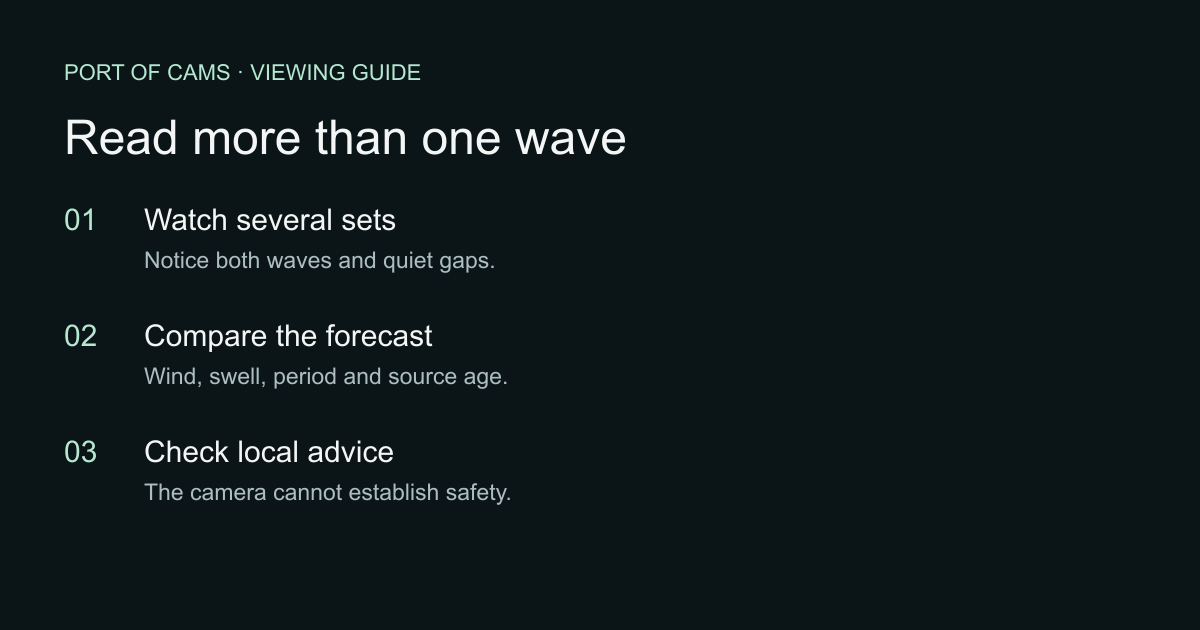
Viewing checklist illustration. It is not a wave-height scale or a safety rating.
Surfers can give the picture a sense of scale, but distance and perspective still matter. Their presence also does not show that conditions are appropriate for somebody else.
Compare surface texture with the wind
Look at texture across the water and spray around breaking waves. Then open Time & conditions on the camera page to compare the modeled wind direction, speed and gusts. Treat a mismatch as something to investigate. The forecast represents a grid near the camera, and local exposure can differ.
A compass direction by itself does not tell you whether the wind is offshore at every beach. You need the orientation of the particular shoreline. There is no dependable rule that “afternoon is always best” across these cameras.
Offshore waves are not breaking surf height
Our offshore outlook separates combined waves, swell and wave period when the marine model supplies them. A value of 1.7 metres there is not a promise of 1.7-metre breaking waves at Pipeline.
The National Weather Service distinguishes breaking-wave surf height from offshore wave information. Its rip-current guidance also explains why a calm-looking interval can be misleading: long-period swell can increase surf-zone risk without an obviously rough offshore surface.
Use the surf desk to compare locations and forecast hours. Check the source age before relying on a number, and leave missing data as unknown.
Before a beach visit
Read the current official local forecast and beach advisories, and follow lifeguard instructions and posted restrictions. A camera cannot reliably reveal currents, submerged hazards, water quality or everything happening outside its frame. This guide is for interpreting a view, not deciding that entering the water is safe.
For Hawaii, start with NWS Honolulu. Keep that information separate from your impression of the picture.
Make the comparison useful
Choose one view and return at different times. Note the local time, visible conditions and forecast values. Compare like with like: the same camera position and zoom, when possible. That will teach you more about the view than a long list of “best” cameras.
Next: Pipeline’s surf desk, Hawaii surf cameras, or a camera wall for comparing a few places at once.
Sources checked October 14, 2026. Examples are explanatory, not a current surf report. Future updates should add dated, permission-cleared frames showing the same view under different conditions.